DSALTA Blog
Trust Center 101: Stop Answering the Same Security Questions
Written by
Ogulcan Ozdemir
|
Published on
Dec 17, 2025
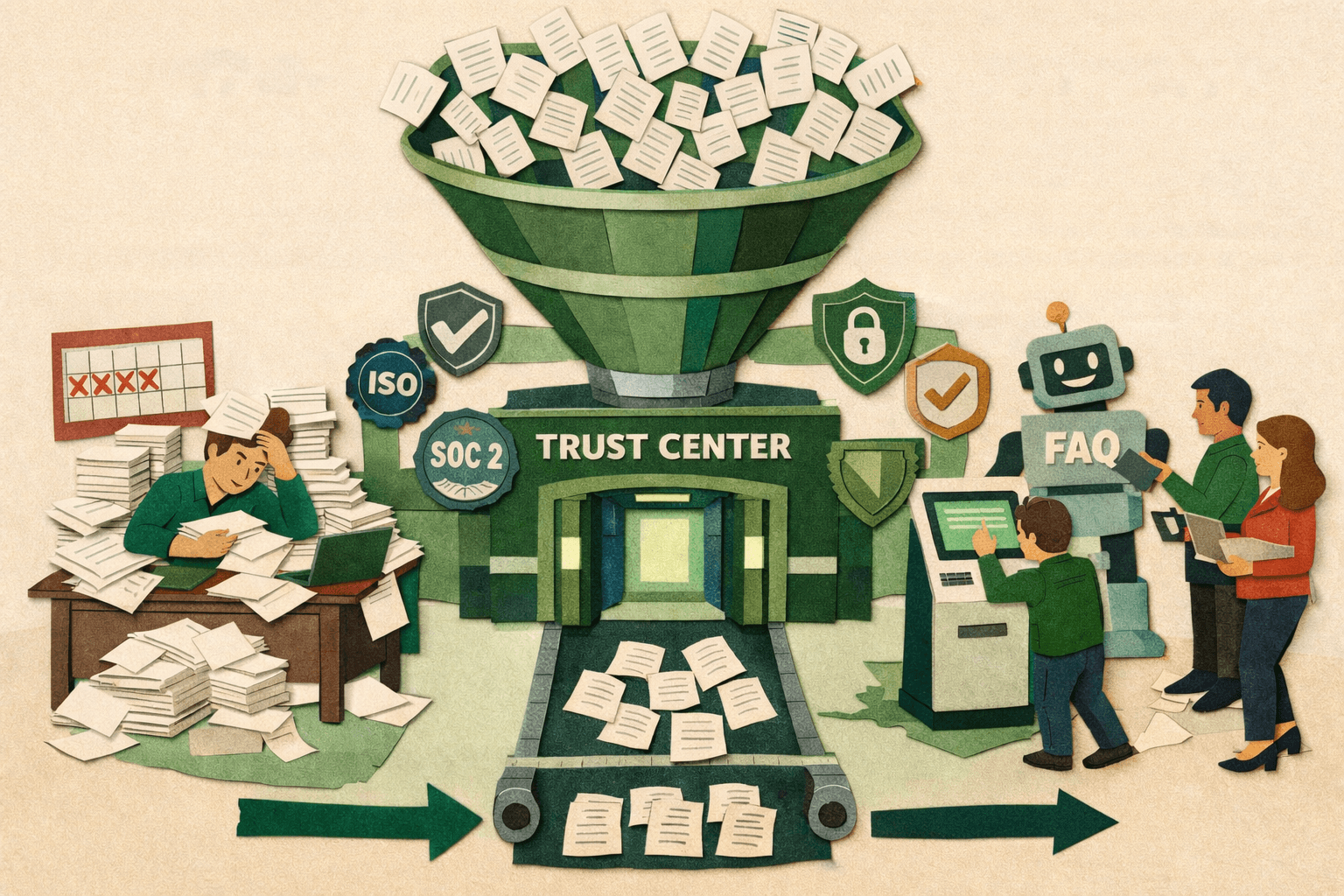
There's a specific kind of exhaustion that security teams know all too well. It's not the adrenaline spike of a security incident or the pressure of an upcoming audit. It's the slow, grinding fatigue of answering the same questions over and over again.
What Actually Is a Trust Center?
At its core, a trust center is stupidly simple. It's a dedicated place—usually a webpage—where you put all the security and compliance information that people keep asking you for.
Think of it like this: instead of prospects emailing your security team and waiting 3-5 business days for someone to dig up a PDF, they click a link and find everything themselves. Your SOC 2 report? Right there. Your ISO 27001 certificate? One click away. Your security whitepaper explaining how you handle data? Already loaded and ready.
But here's where it gets interesting. The good trust centers aren't just document dumps. They're designed around the questions prospects actually ask. "How do you protect my data?" gets answered with clear explanations, relevant certifications, and links to detailed policies—all organized so someone can find what they need without reading 60 pages of compliance documentation.
The best ones feel less like a compliance requirement and more like a transparent conversation about security. "Here's what we do, here's how we prove it, here's who to contact if you need more detail."
Why 2024-2025 Changed Everything
Trust centers have been around for years. Slack had one. Dropbox had one. A bunch of big SaaS companies did. But for a long time, they were seen as a "nice to have" feature for enterprise companies with massive compliance teams.
Then something shifted.
Enterprise buyers got tired of waiting. Procurement processes got more security-focused. And suddenly, if you didn't have a trust center, you looked behind. Not "we'll get to it eventually" behind. More like "are they even taking security seriously?" behind.
The data backs this up. Companies started reporting that 40-50% of their deals involved security reviews. For B2B SaaS selling to enterprises, it became the longest stage in the sales cycle. Not pricing negotiations. Not legal reviews. Security validation.
Meanwhile, security teams were drowning. One team we talked to was spending 300+ hours per quarter just on questionnaires. That's not reviewing architecture or improving security posture. That's copying and pasting answers into slightly different Excel templates.
Sales teams started putting pressure on security teams. Security teams started putting pressure on leadership. And leadership finally asked the obvious question: "Why are we manually doing something that could be self-serve?"
That's when trust centers went from "nice to have" to "we need this yesterday."
The Real Problem Trust Centers Solve
Let's be honest about what's actually broken here. The current process for security reviews is absurd when you step back and look at it.
The prospect's experience: They're evaluating three vendors. Each one requires them to fill out their company's security questionnaire and wait. Vendor A responds in two weeks. Vendor B responds in three days but with incomplete answers. Vendor C has a trust center where they found 80% of what they needed in 20 minutes and only had to ask three specific questions.
Who do you think moves faster through their process?
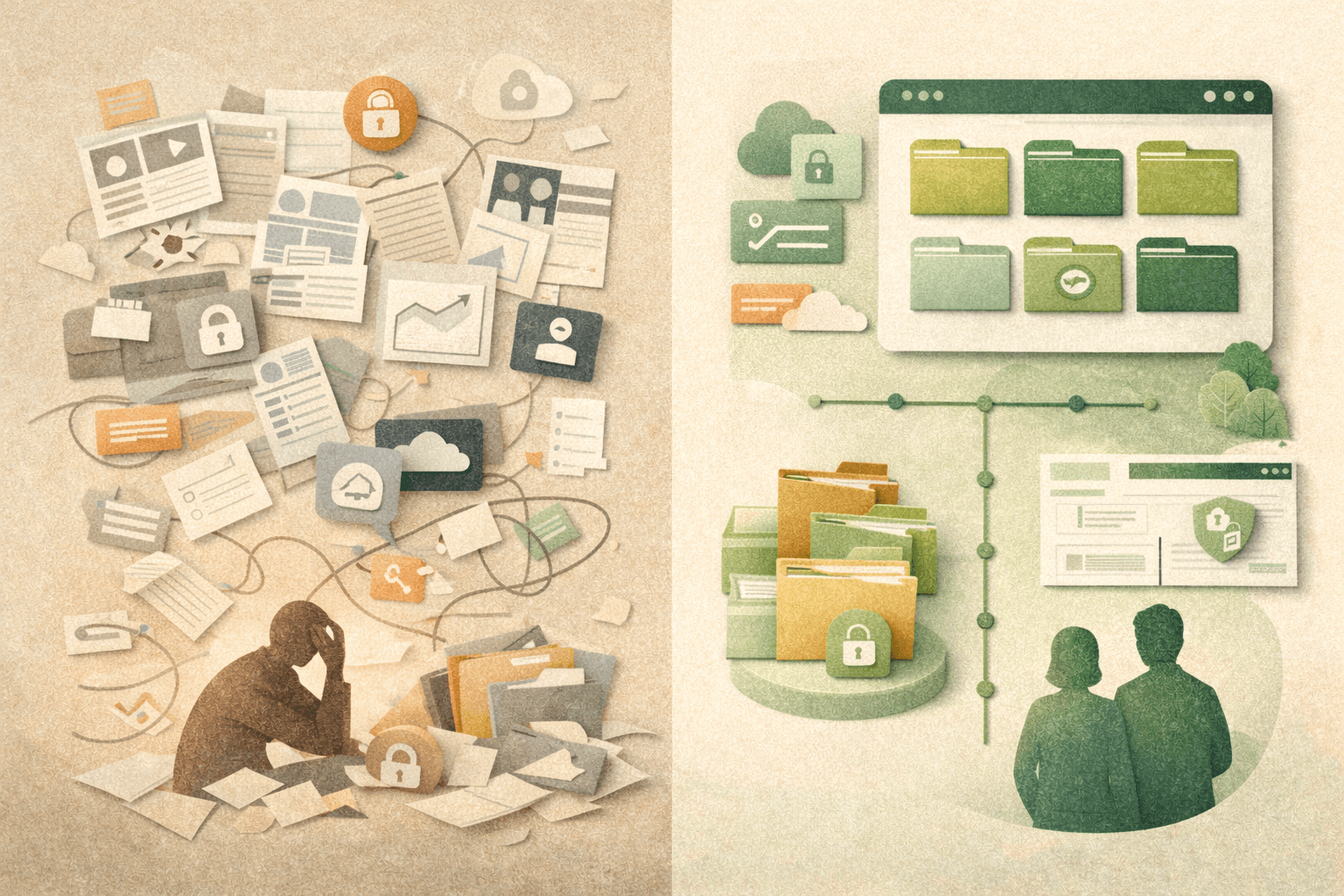
Your security team's experience: Monday morning. You've got four questionnaires in your inbox. Two are 200+ questions. One is a custom spreadsheet that doesn't match your documentation structure. The fourth one asks questions in a way that requires you to interpret what they're really asking.
You know the answers. You've typed them dozens of times. But you've still got to open each one, find the right documents, copy the relevant sections, format them appropriately, and send them back. Then follow up when they have clarifying questions. Then send updated versions when your certifications renew.
It's not hard work. It's just soul-crushing, repetitive work that keeps you from doing the security work you actually want to do.
Your sales team's experience: They've got a hot prospect. Everything's moving fast. Then security review hits and suddenly it's "we'll get back to you in two weeks." The prospect goes cold. Or worse, they move forward with a competitor who could answer their security questions immediately.
A trust center fixes all three experiences. Prospects get instant access to what they need. Your security team stops being a bottleneck. Your sales team can point to your security posture as a feature, not a hurdle.
What Goes In a Trust Center (And What Doesn't)
This is where people get paralyzed. "What if we don't have enough to put in there? What if we share too much? What if our competitor sees it?"
Let's start with what definitely should be there:
Compliance certifications you've achieved. If you've got SOC 2 Type II, ISO 27001, HIPAA compliance, GDPR readiness, PCI DSS—show them. Include when you were certified, when your next audit is, and where someone can verify it independently.
Security overview and approach. A page explaining your security philosophy, how you think about risk, and your overall architecture approach. This doesn't need to be 50 pages. Think "we use defense in depth, here are the layers, here's how we monitor, here's how we respond to incidents." Clear and digestible.
Key policies that matter to buyers. Data processing agreement, privacy policy, incident response policy, business continuity plan. The stuff that legal and procurement teams need to see. Don't just upload 40-page policy documents. Give them summaries and then link to the full versions for people who want them.
Infrastructure and technical controls. How do you encrypt data? Where is it stored? How do you handle access management? What monitoring do you have in place? Answer these clearly without exposing sensitive technical details that could create vulnerabilities.
Recent security work. When was your last penetration test? When did you last review your policies? Have you done any recent security improvements worth mentioning? This shows that security isn't static for you.
Who to contact with questions. Don't make people hunt for this. Clear contact information for security questions, compliance questions, and anything that doesn't fit neatly into your existing documentation.
Now, what you probably shouldn't put there (at least not publicly):
Detailed internal technical documentation. Your network diagrams, specific vulnerability findings, and internal security procedures that could help an attacker—keep those behind access controls or don't share them at all.
Information that violates your own security policies. If your policy is not to publicly disclose certain information, don't contradict that in your trust center. Consistency matters.
Stuff that's out of date. Better to not have it than to have a trust center showing a SOC 2 report from 2022 when you're trying to sell in 2025. Stale information makes people wonder what else isn't being maintained.
Public vs. Gated: The Big Decision
Every trust center has to answer this question: what do we show publicly versus what requires access approval?
There's no universal right answer, but here's how to think about it:
Public information (anyone can see it) should include:
Overview of your security approach
List of certifications you hold
High-level infrastructure security
Contact information
FAQs about common security questions
The stuff that helps someone decide "is this vendor even in the right ballpark for our security requirements?"
Gated information (requires approval or NDA) should include:
Detailed audit reports (SOC 2 Type II, penetration test results)
Detailed technical documentation
Specific control implementations
Customer data handling procedures for sensitive industries
The stuff that contains detailed information you'd reasonably want to know who's accessing.
The trick is balancing transparency with protection. Too much gating and you're back to the slow email process. Too little and you might be sharing information that gives you heartburn.
Most companies we've seen succeed with this approach: a public overview that answers 60-70% of questions, gated access for the detailed reports that require more context to interpret correctly.
You can set up gated access in a few ways. Some companies use simple access request forms (the prospect fills it out, you approve within 24 hours, and they get access). Others use automated NDA signing (they sign a standard NDA, get immediate access). Some tie it to their CRM so they only approve prospects who are actively in their sales pipeline.
The goal is making it easy enough that it's faster than email, but controlled enough that you know who's looking at what.
Real Examples: What Actually Works
Let's look at a few companies doing this well, because examples make this more concrete than theory ever will.
Slack's trust center is interesting because it's educational, not just transactional. They don't just list certifications—they explain what they mean. "We're SOC 2 Type II compliant. Here's what that actually means for your data security." They've got a whole section on data requests and transparency reports. It feels less like compliance documentation and more like "here's how we think about your data."
Gong took a different approach. They organized their trust center around three pillars: Security, Compliance, and Privacy. Each section has clear sub-sections that map to what buyers actually ask about. They featured a case study with a cybersecurity firm (Rapid7) reviewing their security. That's smart—third-party validation right in your trust center.
Grammarly made theirs really digestible. Instead of overwhelming you with documentation, they use progressive disclosure. High-level summary up front, click for more detail if you need it, download the full report if you really want to dig in. They also show security certifications from multiple frameworks, which matters if you're selling globally.
What these all have in common: they're designed around the user experience, not just as a place to dump documents. They think about the questions prospects ask and organize information accordingly.
How to Know If It's Actually Working
You can't improve what you don't measure, and trust centers are no exception. Here's what actually matters to track:
Questionnaire volume. This is the most obvious one. Before trust center: 50 questionnaires per quarter. After trust center: 8 questionnaires per quarter. The questions that do come in should be more substantive—edge cases, specific technical requirements—not "can you send us your SOC 2 report?"
Time in security review. Track how long deals spend in the security validation stage. If your trust center is working, this should compress significantly. One company we talked to went from an average of 18 days in security review to 5 days. That's real pipeline acceleration.
Trust center engagement. If you've got analytics (and you should), track what prospects are actually looking at. Which documents get downloaded the most? What pages get the most time? This tells you what matters to your buyers and what might be missing.
Sales feedback. Ask your sales team directly: "Is the trust center making security reviews easier?" If they're still constantly escalating to security for basic questions, something's not working. If they're using it proactively in sales calls, you're winning.
Win rate for deals that use it. This is harder to track but incredibly valuable. Compare win rates for deals where prospects accessed your trust center versus deals that went through traditional security reviews. We've seen companies report 20-30% higher win rates for trust center deals, possibly because those prospects entered final negotiations with fewer security concerns.
The point isn't to track everything. Pick 3-4 metrics that matter to your business and watch those consistently.
The "We're Not Ready" Myth
Here's where people get stuck. "We can't build a trust center yet because we don't have SOC 2." Or "We need to wait until our ISO 27001 audit is done." Or "Our security documentation isn't good enough."
This is backwards thinking.
A trust center isn't just for companies with perfect compliance. It's for any company that's serious about security and wants to communicate that effectively. You can absolutely build one before you're formally certified.
Here's what you can include even if you're early-stage:
Your security approach and roadmap. "We're currently pursuing SOC 2 certification. Our audit is scheduled for Q2 2026. In the meantime, here's what we're already doing to protect customer data." Being transparent about your journey builds more trust than hiding until you're "perfect."
The controls you already have in place. Encryption at rest and in transit. Access management policies. Employee security training. Incident response plans. You're probably doing more than you think—document it and share it.
Your infrastructure security. Are you using AWS? Talk about how you leverage their security controls. Using Azure? Same thing. You're building on secure foundations—explain that clearly.
Third-party security tools you use. SSO provider, security monitoring, vulnerability scanning, etc. These are all part of your security story.
The trust center you build at the beginning won't look like the trust center you have two years later. That's fine. Start with what you have, keep it updated as you grow, and add certifications as you achieve them.
Being honest about where you are in your compliance journey is way better than being secretive about it.
Common Mistakes (And How to Avoid Them)
We've seen enough trust center implementations to know where things typically go wrong. Learn from other people's mistakes:
Mistake #1: Making it too hard to find. Your trust center should be easy to discover. Link it from your footer. Put it in your navigation. Include it in your sales collateral. One company buried its three levels deep in its documentation site. Nobody could find it, so nobody used it.
Mistake #2: Letting it get stale. Nothing kills trust faster than outdated information. If your trust center says your SOC 2 audit was in March 2024 and we're now in December 2025, that's a problem. Set quarterly reminders to review and update everything.
Mistake #3: Over-gating everything. If I need to fill out a 10-field form and sign an NDA just to see your security overview, I'm probably just going to email your competitor instead. Gate the detailed stuff, make the overview accessible.
Mistake #4: Using too much jargon. Your prospects aren't all security experts. Explain things clearly. "We use AES-256 encryption for data at rest" is better written as "We encrypt all stored data using industry-standard AES-256 encryption, the same standard used by banks and government agencies."
Mistake #5: Treating it as "set and forget." Your trust center should evolve as your security posture does. New certification? Update it. New security feature? Add it. Changes to your infrastructure? Reflect that. Make someone on your team responsible for keeping it current.
Mistake #6: Not telling anyone about it. You can have the world's best trust center, but if your sales team doesn't know it exists or how to use it, it won't help. Train your team. Make it part of your sales process. Proactively share it with prospects before they even ask.
Ready to stop answering the same security questions? Launch your free trust center with DSALTA and turn security reviews into a competitive advantage. See how continuous compliance automation keeps your trust center current without the manual overhead.