HIPAA —
The Essential HIPAA Compliance Checklist for Healthcare 2026
Complete HIPAA compliance checklist for 2026 with required safeguards, BAA management, documentation tips, and audit prep steps for healthcare teams.
Dogan Akbulut
HIPAA Compliance Essentials
Share this article


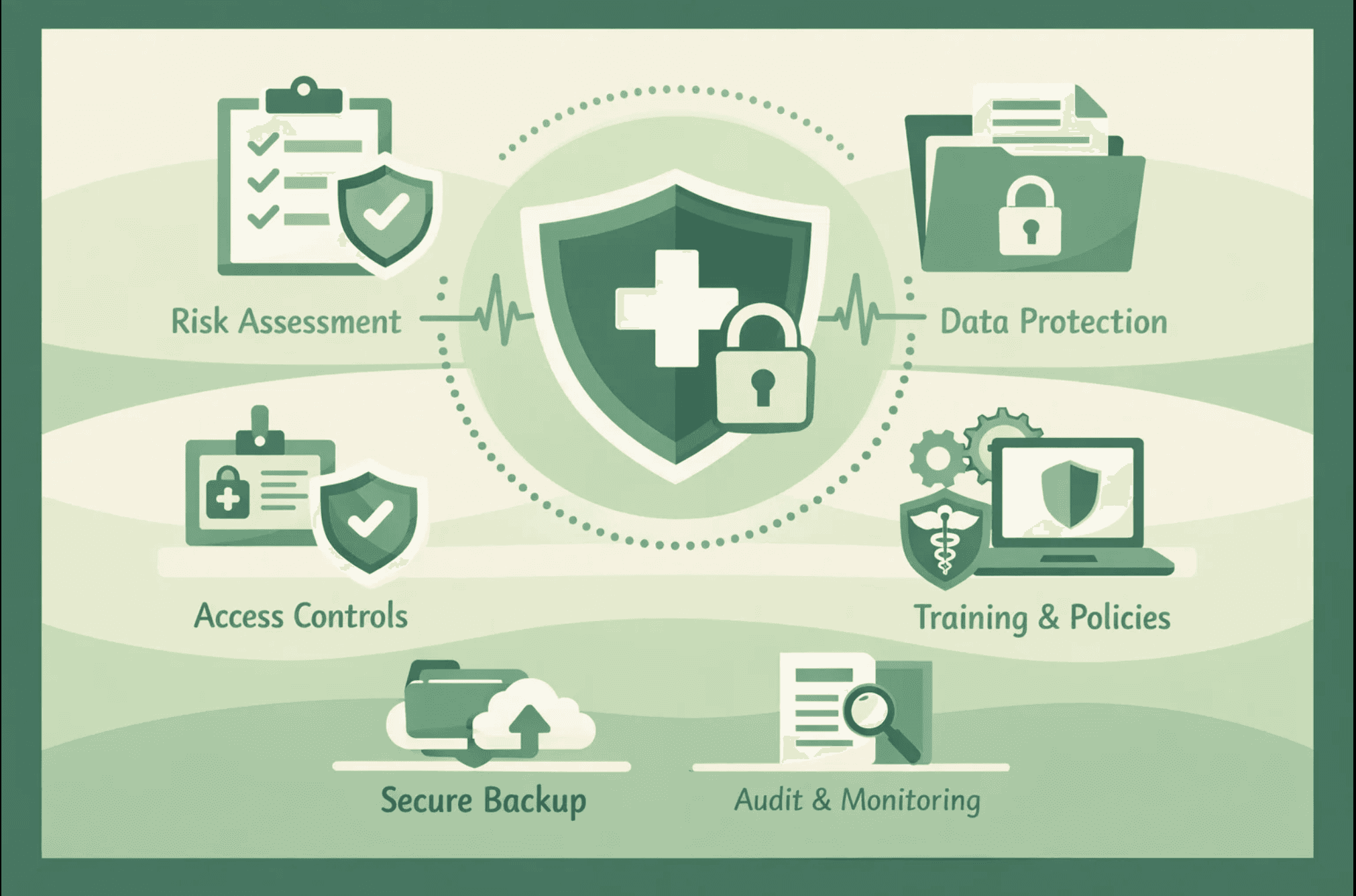
Introduction: Why a HIPAA Compliance Checklist Is Critical in 2026
Healthcare data breaches are at an all-time high. In 2025 alone, over 133 million patient records were exposed through security incidents. The financial impact is staggering. A single patient record can sell for up to $1,000 on the dark web, making healthcare data ten times more valuable to cybercriminals than financial information.
For healthcare organizations, medical practices, telehealth platforms, and health technology companies, HIPAA compliance isn't just a regulatory requirement—it's essential for protecting patients and maintaining business viability. A single breach can result in millions in fines, lawsuits, and irreparable damage to your reputation. To fully understand your obligations, start with our comprehensive HIPAA Overview.
The challenge? HIPAA compliance involves dozens of requirements across technical, physical, and administrative safeguards. Without a systematic approach, organizations struggle to know where to start, what to prioritize, and how to maintain compliance over time.
This comprehensive HIPAA compliance checklist breaks down everything you need to achieve and maintain compliance in 2026. Whether you're a covered entity or a business associate, this guide provides actionable steps to implement required safeguards, manage documentation, and prepare for audits.
Understanding HIPAA: What the Law Actually Requires
The Health Insurance Portability and Accountability Act protects Protected Health Information throughout its lifecycle. If your organization creates, receives, stores, processes, or transmits PHI in any form, digital, paper, or verbal, HIPAA compliance is mandatory.
Who Must Comply With HIPAA?
Covered entities include hospitals, clinics, medical practices, telehealth providers, health insurance companies, healthcare clearinghouses, and pharmacy chains. These organizations have primary responsibility for HIPAA compliance.
Business associates are third-party vendors handling PHI on behalf of covered entities. This includes electronic health record providers, health-tech SaaS platforms, medical billing companies, cloud hosting providers storing PHI, appointment scheduling software, and patient communication tools.
Since the 2013 Omnibus Rule, business associates carry the same compliance burden and liability as covered entities. Vendors can be directly fined and prosecuted for violations, making HIPAA compliance essential for any company serving the healthcare industry. If you want to know Who Enforces HIPAA Violations, the answer involves the HHS Office for Civil Rights (OCR) and state attorneys general.
The Four HIPAA Rules Explained
To meet your obligations, you must adhere to the Rules and Requirements of HIPAA:
The Privacy Rule defines what PHI is, who can access it, and under what conditions. It requires limiting access to the minimum necessary for job functions, providing patients with privacy notices, logging all PHI disclosures, and implementing role-based access controls.
The Security Rule focuses specifically on protecting electronic PHI through administrative, physical, and technical safeguards. This is where most compliance work happens, implementing encryption, access controls, audit logging, and security monitoring.
The Breach Notification Rule establishes requirements when PHI is lost, exposed, or accessed improperly. Organizations must notify affected individuals within 60 days, report breaches to the Department of Health and Human Services, and document investigations.
The Omnibus Rule extended HIPAA liability to business associates and their subcontractors, strengthened enforcement, and increased penalties. This rule makes Business Associate Agreements mandatory for all vendor relationships involving PHI.
What Counts as Protected Health Information?
Understanding what qualifies as PHI is critical for compliance. Many organizations make mistakes by either overclassifying data or failing to identify PHI in unexpected places.
The PHI Definition
PHI is any information that identifies an individual and relates to their health condition, healthcare provision, or healthcare payment. Both elements must be present—identification plus health context.
Common PHI Examples
Obvious PHI includes names combined with medical conditions, medical record numbers, prescription histories, lab test results, treatment plans, insurance policy numbers, and hospital admission dates.
Often-overlooked PHI includes email addresses in patient communication systems, phone numbers in appointment reminders, IP addresses tied to patient portal access, photos or videos of patients, voice recordings of patient calls, appointment metadata, biometric identifiers, and device identifiers in health apps.
The 18 HIPAA Identifiers
PHI specifically includes these identifiers when linked to health information: names, geographic subdivisions smaller than state, dates except year, phone numbers, fax numbers, email addresses, Social Security numbers, medical record numbers, health plan numbers, account numbers, certificate or license numbers, vehicle identifiers, device identifiers, web URLs, IP addresses, biometric identifiers, full-face photos, and any unique identifying number or code.
The key insight: seemingly innocuous data becomes PHI when combined with health context. An email address alone is not PHI, but that same email address in a message about a patient's cardiac evaluation absolutely is.
The Complete HIPAA Compliance Checklist
Administrative Safeguards Checklist
Risk Assessment and Management
Conduct comprehensive annual security risk assessments evaluating all risks to electronic PHI. Document your methodology, identify threats and vulnerabilities, assess likelihood and impact, and create risk treatment plans.
Implement a risk management process with documented plans for reducing identified risks to reasonable and appropriate levels. Track risk mitigation activities and update assessments as your environment changes.
Workforce Security and Training
Designate a Privacy Officer responsible for developing and implementing privacy policies and procedures. Document the appointment with clear responsibilities.
Designate a Security Officer responsible for developing and implementing security policies and procedures. This can be the same person as the Privacy Officer in smaller organizations.
Implement procedures to authorize and supervise workforce members who handle PHI. Define job roles, access requirements, and supervision protocols.
Provide HIPAA security awareness training to all workforce members upon hire and annually thereafter—document training completion with dates, attendees, and topics covered.
Establish a sanction policy with disciplinary procedures for security violations. Document the policy and any enforcement actions taken.
Policies and Procedures
Adopt comprehensive HIPAA Security and Privacy policies covering all required safeguards. Review policies annually and update as needed to reflect operational changes.
Implement security incident procedures for detecting, reporting, and responding to security incidents. Define incident categories, escalation paths, and response protocols.
Create a contingency plan that includes data backup procedures, disaster recovery plans, and emergency operations. Test the plan annually and document results.
Execute Business Associate Agreements with all vendors that create, receive, maintain, or transmit PHI on your behalf. Maintain a centralized BAA register tracking all agreements.
Please verify that your business associates have appropriate BAAs with their subcontractors for downstream handling of PHI.
System Activity and Access Management
Implement procedures for regularly reviewing information system activity, including audit logs, access reports, and security incident tracking systems.
Establish authorization and supervision procedures for workforce members accessing PHI. Define approval workflows and supervision requirements.
Create termination procedures that ensure access is removed on the same day employment ends. Document all terminations with a confirmation of access removal.
Technical Safeguards Checklist
Access Control Requirements
Implement unique user identification, requiring every user accessing PHI to have a unique username. Eliminate all shared credentials.
Deploy multi-factor authentication for all systems that access, store, or transmit electronic PHI. Password-only authentication is insufficient.
Implement role-based access control, limiting PHI access to what's necessary for specific job functions. Define roles aligned with actual job responsibilities.
Configure automatic session timeouts to log users out after defined periods of inactivity. Fifteen minutes is standard for high-risk systems.
Establish emergency access procedures for accessing PHI during emergencies when standard authentication is unavailable. Document the procedures and any emergency access events.
Conduct quarterly access reviews to verify that user access rights remain appropriate. Document reviews with dates, reviewers, and any changes made.
Implement privileged access management with additional controls for administrator accounts, including separate admin credentials, enhanced monitoring, and approval workflows.
Audit and Monitoring Controls
Enable comprehensive audit logging to record all PHI access, modifications, and deletions. Logs should capture user, timestamp, action, and affected data.
Configure systems to retain audit logs for at least six years. Many organizations take 7 years to align with general record-retention requirements.
Implement log monitoring and analysis capabilities to detect suspicious activity. Security Information and Event Management systems work well for this purpose.
Establish procedures for regular log review. Define review frequency, responsible parties, and escalation procedures for detected anomalies.
Deploy intrusion detection or intrusion prevention systems to monitor network traffic for malicious activity or policy violations.
Data Integrity and Encryption
Implement integrity controls ensuring electronic PHI is not improperly altered or destroyed. Use checksums, hash functions, or digital signatures.
Enable encryption for all PHI at rest using AES-256 or an equivalent strong encryption algorithm. This includes databases, file storage, backups, and mobile devices.
Enforce TLS 1.2 or higher for all PHI in transit. This includes data moving between systems, to external parties, and over networks.
Implement proper key management, including secure key generation, storage, rotation, and destruction.
Authentication and Security
Deploy anti-malware protection on all systems that access, store, or transmit PHI. Keep signatures up to date and enable real-time scanning.
Implement patch management procedures and apply security updates within defined timeframes. Critical patches should be used within 30 days.
Configure network security controls, including firewalls, network segmentation, and secure configurations, isolating PHI systems.
Physical Safeguards Checklist
Facility Access and Security
Implement facility access controls limiting physical access to systems and locations where PHI is stored or accessed. Use badge systems, locks, or biometric access.
Maintain visitor logs documenting all visitors to areas containing PHI systems. Include date, time, purpose, and escort information.
Position workstations to prevent unauthorized viewing of PHI from public areas, hallways, or windows. Implement privacy screens where necessary.
Establish a clean desk policy that requires securing PHI when workstations are unattended. Provide lockable storage for paper documents.
Install and maintain security cameras in areas containing PHI systems. Retain footage in accordance with your retention policy.
Device and Media Controls
Implement secure disposal procedures for devices and media containing PHI. Use data wiping for reusable media and physical destruction for disposal.
Maintain an inventory of all hardware devices that access, store, or transmit PHI. Include device type, location, responsible party, and disposal date.
Establish procedures for moving devices or media containing PHI. Require encryption for mobile devices and tracking for physical movements.
Create workstation-use policies that define acceptable use, physical security requirements, and procedures for reporting lost or stolen devices.
Business Continuity and Disaster Recovery Checklist
Backup and Recovery
Implement data backup procedures for all PHI, with backups occurring at least daily for production systems. Test backup integrity regularly.
Establish backup retention policies defining how long backups are kept. Six years is standard to align with HIPAA record retention requirements.
Test backup restoration procedures quarterly to verify that backups are recoverable—document test results, including the recovery time achieved.
Store backups securely with encryption and access controls equivalent to production systems. Consider off-site or cloud backup for disaster recovery.
Disaster Recovery Planning
Create a disaster recovery plan documenting procedures for restoring PHI access after disruptions. Define recovery priorities and procedures.
Establish recovery time objectives and recovery point objectives for critical systems. Document maximum acceptable downtime and data loss.
Define emergency-mode operations to maintain critical functions during system outages. Include manual procedures where necessary.
Test disaster recovery plans annually through tabletop exercises or actual recovery tests. Document test results and improvement actions.
Documentation and Record Keeping Checklist
Required Documentation
Maintain all HIPAA policies and procedures in a centralized, version-controlled repository accessible to relevant workforce members.
Retain workforce training records for six years from creation or last use. Include training dates, attendees, topics, and confirmation of completion.
Preserve audit logs and system activity records for six years. Ensure logs are backed up and protected from tampering.
Keep risk assessment reports and risk treatment plans for six years. Maintain historical assessments to show compliance progress.
Store all Business Associate Agreements in an organized repository with easy retrieval: track signing dates, renewal requirements, and amendments.
Document all security incidents with investigation reports, corrective actions, and outcomes. Maintain incident logs for events that do not qualify as breaches.
Retain breach notification records, including risk assessments, notification letters, and regulatory submissions, for six years.
Configuration and Change Documentation
Document security configurations for all systems handling PHI. Include encryption settings, access controls, audit configurations, and network security.
Maintain change management records showing approvals, testing, and implementation for all changes affecting PHI systems.
Create and maintain data flow diagrams that show how PHI moves through your systems, to external parties, and across vendor relationships.
Common HIPAA Compliance Mistakes to Avoid
Missing or Inadequate Business Associate Agreements
The most common compliance failure is omitting BAAs or using generic agreements that don't address specific PHI-handling activities. Every vendor relationship involving PHI requires a comprehensive, customized BAA. This is critical to managing Vendor Risk Management.
Review your vendor inventory systematically. Identify all vendors with access to any PHI. Confirm signed BAAs exist for each one. Verify BAAs include all required provisions. Document any vendors who refuse BAAs and find alternatives.
Outdated Risk Assessments
Many organizations complete initial risk assessments but fail to update them annually or when significant changes occur. Stale risk assessments that don't reflect current operations create serious audit vulnerabilities.
Schedule annual risk assessment reviews on your calendar. Conduct interim assessments when adding new systems, changing infrastructure, or experiencing security incidents—document all assessments with dates, methodology, findings, and treatment decisions.
Insufficient Access Controls
Organizations often implement basic password authentication without multi-factor authentication, role-based access, or regular access reviews. These gaps represent significant security and compliance risks.
Audit your current access controls against the checklist. Implement MFA across all PHI systems. Define roles based on actual job functions. Schedule quarterly access reviews. Document terminated employee access removal.
Inadequate Training and Awareness
Initial HIPAA training during onboarding is insufficient. Regulations require ongoing security awareness training, but many organizations conduct training irregularly or not at all.
Establish annual security awareness training requirements for all members of the workforce. Track completion systematically. Cover emerging threats, policy updates, and real-world breach examples. Document all training with dates, attendees, and topics.
Poor Incident Response Capabilities
Organizations without documented incident response procedures struggle when actual incidents occur. Chaotic responses lead to delayed breach notifications, inadequate investigations, and regulatory penalties.
Create clear incident response procedures defining detection, reporting, investigation, containment, and notification processes. Identify your incident response team. Prepare notification templates. Conduct annual tabletop exercises testing your procedures.
Preparing for HIPAA Audits and Assessments
What Auditors Evaluate
Documentation completeness verifies that all required policies, procedures, and records exist and are up to date. Auditors check policy dates, training records, risk assessments, and BAA files.
Control implementation confirms that documented controls are actually in place and operating. Auditors test access controls, review audit logs, verify encryption, and validate backup procedures.
Evidence of operation demonstrates that controls work consistently over time. Auditors want proof through access review logs, incident response records, backup test results, and training completion data.
Risk assessment quality evaluates whether your risk assessment is thorough, current, and actually drives security decisions. Auditors verify that identified risks are realistic and that treatments are appropriate.
You may also find alignment helpful if you serve larger clients who require a SOC 2 audit. Implementing a unified system can help align
Building Your Audit Evidence Package
Organize all policies and procedures in a logical structure with precise version control. Use a consistent naming convention and centralized storage location.
Compile training records showing completion dates, attendees, and covered topics. Ensure records exist for all current employees plus the required retention period.
Gather technical evidence, including configuration screenshots, access review reports, audit log samples, vulnerability scan results, and backup test logs.
Collect operational evidence such as incident response records, change management approvals, vendor assessment documentation, and disaster recovery test results.
Prepare your risk assessment with supporting documentation, including the methodology, asset inventory, identified risks, treatment decisions, and progress tracking.
Organize your BAA repository to include all executed agreements, amendment documentation, and tracking records that show review dates and renewal requirements.
Conclusion: Maintaining Ongoing HIPAA Compliance
HIPAA compliance is not a one-time project; it requires sustained commitment to protecting patient information through systematic safeguards, continuous monitoring, and regular improvements.
Organizations that succeed with HIPAA treat compliance as an ongoing business process integrated into operations. They document systematically, train continuously, monitor actively, and improve based on lessons learned.
The consequences of non-compliance are severe. HIPAA violations can result in fines of $100 to $50,000 per violation, with an annual maximum of $1.5 million per violation category. Beyond financial penalties, breaches destroy patient trust and can put healthcare businesses out of business.
This HIPAA compliance checklist provides a systematic approach to implementing required safeguards, maintaining necessary documentation, and demonstrating compliance during audits. Use it to assess your current state, identify gaps, prioritize improvements, and track progress over time.
Modern compliance platforms can significantly accelerate HIPAA implementation by automating evidence collection, centrally managing documentation, systematically tracking BAAs, and maintaining continuous compliance monitoring. What traditionally required 6-12 months of manual work can now be accomplished more efficiently while ensuring audit-readiness.
The ultimate goal is not just regulatory compliance, but building security programs that genuinely protect patient information while enabling your healthcare organization to grow and serve patients effectively.
Ready to Automate Your HIPAA Readiness?
Stop chasing documentation and focus on patient care. Book a free DSALTA demo today to see how our platform automates evidence collection, centralizes BAAs, and ensures continuous audit-readiness for HIPAA compliance.
Explore more HIPAA articles
Stop losing deals to compliance.
Get compliant. Keep building.
Join 100s of startups who got audit-ready in days, not months.